PS5 controller drift has become one of the most common issues that players face when using the DualSense controller. At the start, the problem might feel small, but as time goes on, controller drifts can make playing games on the PS5 console frustrating. Since the controller is one of the most important parts of gaming, understanding what causes this issue and how to fix it is very important.
For gamers, nothing feels worse than moving your character in a game and noticing that the joystick is moving on its own. This is exactly what ps5 controller drift does. It makes the joystick register input even when you are not touching it, which ruins the whole gaming experience. Fortunately, there are ways to fix it and prevent it from happening in the future.
Table of Contents
What is PS5 Controller Drift?
PS5 controller drift happens when the joystick on the DualSense controller starts to move without your command. This means your character in the game may walk, aim, or look around even though you are not pressing the stick. As a result, it feels like you have lost control during gameplay.
This issue is not unique to the PS5 controller. In fact, controller drifts have been a common problem in many gaming systems, including the PS4 and even Nintendo Switch controllers. However, the problem becomes more noticeable with the ps5 controller drift because the console is still new, and players expect better performance.
Common Causes of PS5 Controller Drift
There are several reasons why ps5 controller drift happens. The most common cause is dust or dirt getting inside the joystick sensors. Because controllers are used daily, it is natural for small particles to build up over time.
Another reason is wear and tear. The DualSense controller, like all devices, has parts that can weaken after long hours of use. As a result, the sensors that detect joystick movement may fail to respond correctly. Sometimes, software bugs in the ps5 console can also make the problem worse.
How to Fix at Home
If you are dealing with ps5 controller drift, there are simple solutions you can try at home before sending your controller for repair. First, restart your ps5 console and reconnect the DualSense controller. Sometimes, the issue is just a temporary software glitch that can be fixed by resetting connections.
Next, try cleaning the joystick. To do this, turn off your controller and gently wipe around the analog stick with a soft cloth or cotton swab. For deeper cleaning, you can use a small amount of rubbing alcohol. With patience, this method can solve many cases of controller drifts caused by dust.
Advanced Fixes for PS5 Controller Drift
If cleaning does not solve the ps5 controller drift, you may need more advanced fixes. One option is to reset the DualSense controller by pressing the small reset button at the back with a pin. This can clear hidden software issues.
In addition, you can update your ps5 console system software. Sony often releases updates that improve controller performance and fix bugs. If none of these methods work, contacting PlayStation support or visiting a repair center might be the best solution.
When to Replace Your DualSense Controller
Sometimes, the damage inside the controller is too serious to fix at home. In such cases, buying a new DualSense controller may be the only solution. If you have used your ps5 controller for a very long time, the sensors may be too worn out. Because of this, replacement can save time and give you a smoother gaming experience.
Although purchasing a new controller can feel costly, it ensures that you avoid future frustrations. Since controller drifts can make games unplayable, many players prefer to buy a replacement when the problem becomes too frequent.
How to Prevent PS5 Controller Drift
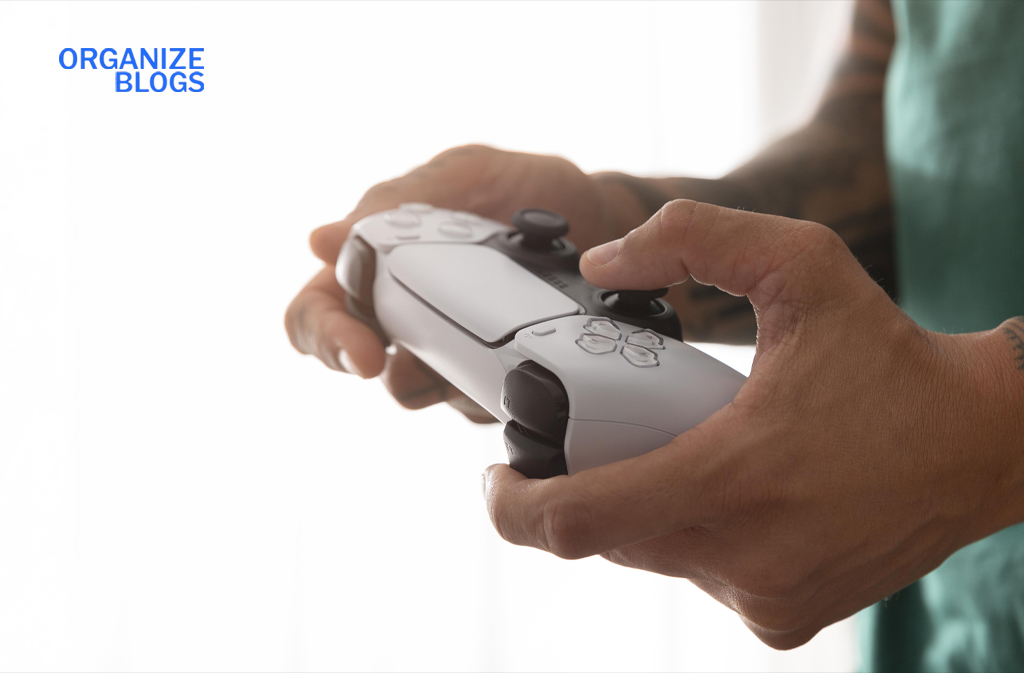
Prevention is always better than repair. To reduce the chances of ps5 controller drift, handle your DualSense controller with care. Avoid pressing too hard on the joysticks, as this puts extra stress on the sensors.
Also, keep your controller clean. Store it in a safe place away from dust and food. By cleaning it regularly and using it gently, you can extend its lifespan and reduce the risk of controller drifts.
Comparing With Other Consoles
It is worth noting that ps5 controller drift is not the only case of this problem. Many gamers remember how Nintendo Switch users experienced the same issue with Joy-Con drift. The difference is that Sony’s DualSense controller is larger and has more advanced technology. Still, it is not completely free from problems.
Compared to older PlayStation controllers, the DualSense has new features such as adaptive triggers and better vibration. However, these improvements do not stop controller drifts from happening. Because of this, ps5 controller drift remains a concern for many players.
Tips From Gamers Who Faced Controller Drifts
Many gamers have shared helpful advice for dealing with ps5 controller drift. For example, some suggest recalibrating the joysticks through the console’s settings. Others recommend using compressed air to blow away dirt inside the sticks.
In addition, some players say that keeping your controller plugged in during long gaming sessions can reduce stress on the sensors. While these tips may not work for everyone, they give players more ways to fight controller drifts before giving up on the controller completely.
Should You Worry About PS5 Controller Drift?
It is true that ps5 controller drift can ruin gaming fun. However, not every player will face this issue. If you take care of your controller, clean it often, and avoid rough handling, you may never experience controller drifts.
At the same time, knowing the fixes can give you confidence if the problem ever happens. Since gaming is about having fun, solving ps5 controller drift quickly will help you get back to enjoying your favorite titles on the ps5 console.
Final Thoughts on PS5 Controller Drift
In conclusion, ps5 controller drift is a frustrating but fixable problem. It can happen because of dust, wear and tear, or even software bugs. Luckily, there are many simple fixes, from cleaning to resetting the DualSense controller. If those methods fail, replacement may be necessary.
With care and proper use, you can reduce the chances of controller drifts. While the DualSense controller is one of the best parts of the ps5 console, it is not perfect. By understanding how to handle ps5 controller drift, you can make your gaming experience smoother and more enjoyable.

FAQs
1. What is ps5 controller drift?
It is when the joystick moves on its own without any input, making your character move or aim randomly.
2. Can cleaning fix controller drifts?
Yes, cleaning the analog sticks with rubbing alcohol or compressed air can often solve the issue.
3. Do software updates help with ps5 controller drift?
Sometimes, updating the ps5 console software can fix bugs that cause drifting.
4. Should I replace my DualSense controller if it drifts?
If the problem continues after cleaning and resetting, replacing the controller may be the best option.
5. How can I prevent ps5 controller drift?
Handle the controller gently, clean it often, and store it in a safe, dust-free place.
Visit our website: Organize Blogs